 Sign in
 Tweet
Tweet Share
Share

No older entries »« No newer entries
Unicode Text Styles: How Fancy Characters Work Without Installing Fonts
Published by ForrestLee about 13 hours ago.
I have been experimenting with Unicode text styles recently, and one thing that confused me at first was the difference between a font and what people often call "fancy text."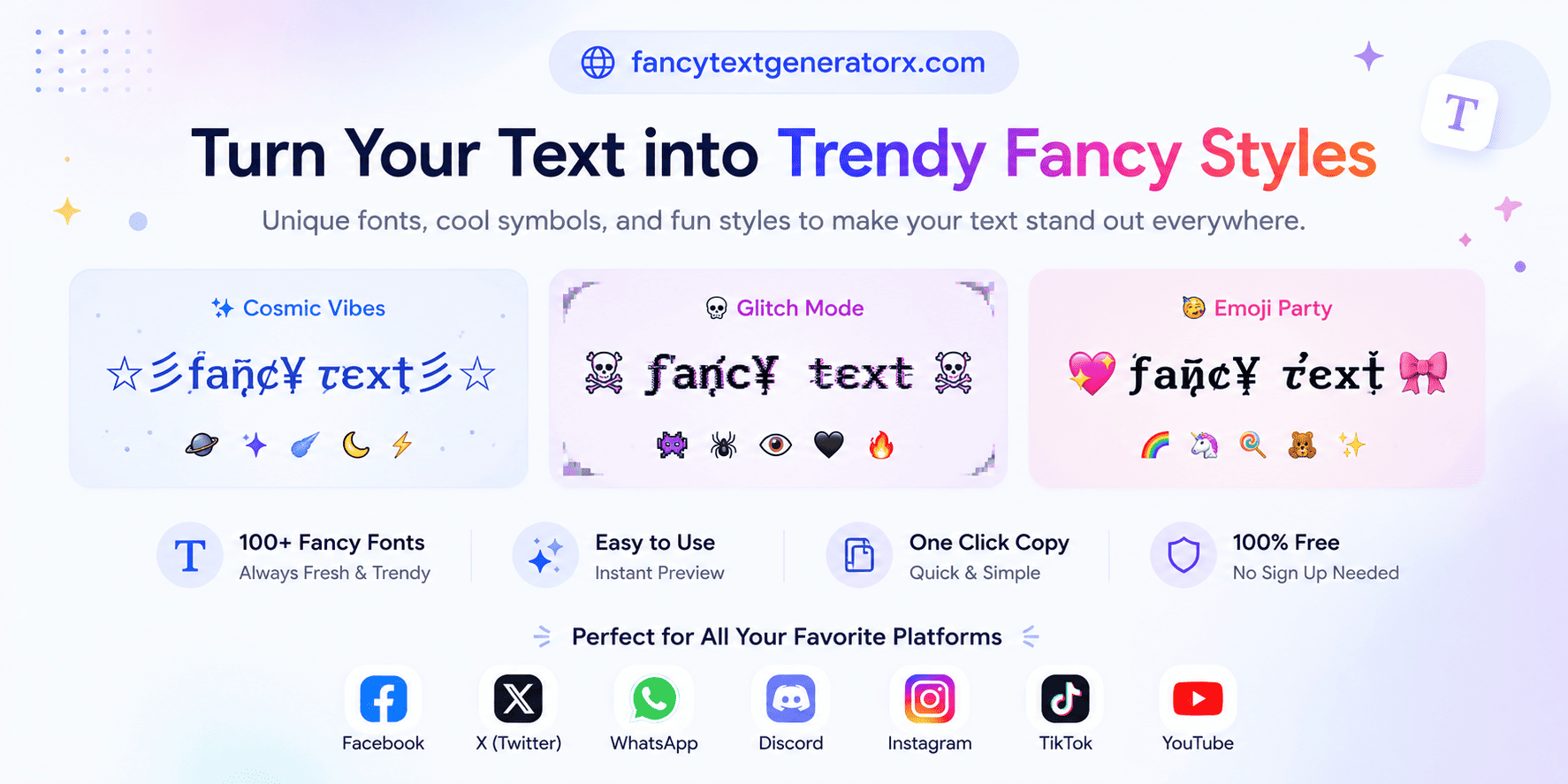
They may look similar, but they work in very different ways.
A traditional font changes how characters are rendered. The underlying text stays the same. For example, changing a font from Arial to Times New Roman does not change the actual letters stored in the text.
Unicode styled text works differently.
Instead of applying a font file, it replaces ordinary characters with other Unicode characters that have a different visual appearance.
For example:
Normal:
Fancy Text
Styled:
𝐅𝐚𝐧𝐜𝐲 𝐓𝐞𝐱𝐭
Script:
𝓕𝓪𝓷𝓬𝔂 𝓣𝓮𝔁𝓽
Double-struck:
𝔽𝕒𝕟𝕔𝕪 𝕋𝕖𝕩𝕥
Circled:
Ⓕⓐⓝⓒⓨ Ⓣⓔⓧⓣ
These aren't simply five fonts applied to the same letters. The styled versions contain different Unicode characters.
Why is this useful?
Because the result is text rather than an image.
You can often copy it and paste it into places where you cannot choose a custom font, such as:
- profile names
- social media bios
- short descriptions
- messages
- comments
- game usernames
- forum signatures
There is no font file for the recipient to install.
Fonts vs. Unicode Characters
This distinction is important for designers.
With a real font, the designer controls things such as glyph shape, kerning, weight, spacing, and other typographic properties.
Unicode styled characters do not give you that level of control.
Instead, you are selecting existing characters from Unicode blocks that happen to resemble different typographic styles.
That is why I would not use Unicode styled text as a replacement for typography in a logo, poster, interface, or professional graphic design.
For those situations, actual fonts and graphics tools are much better.
But for small pieces of text that need to survive copy and paste, Unicode characters can be surprisingly useful.
Where Do These Characters Come From?
Many of the characters commonly used for styled text come from Unicode blocks originally created for mathematical notation and other specialized purposes.
For example, Unicode includes mathematical bold, italic, script, Fraktur, double-struck and monospace characters.
People discovered that some of these characters could also be used creatively outside mathematics.
That is why text like this:
𝓗𝓮𝓵𝓵𝓸
can be copied instead of existing only as a rendered image.
Decorative Symbols
Another interesting part of Unicode is the enormous collection of symbols.
A plain name:
Forrest
can become something like:
★ Forrest ★
♡ Forrest ♡
✦ 𝐅𝐨𝐫𝐫𝐞𝐬𝐭 ✦
☾ 𝓕𝓸𝓻𝓻𝓮𝓼𝓽 ☽
This is less about typography and more about combining text with decorative Unicode symbols.
For profiles and usernames, small decorations can sometimes work better than extremely complicated characters because they remain easier to read.
Compatibility Is Not Perfect
There is an important limitation.
Unicode defines characters, but the device still needs a font containing glyphs for those characters.
If a particular character is not supported by the operating system, browser, application, or available fonts, it may appear as a square box or another replacement symbol.
Different platforms can also render the same Unicode character slightly differently.
For that reason, I always recommend testing styled text on the actual platform where it will be used.
Accessibility and Search
Fancy characters should also be used carefully.
Screen readers, search systems, text matching, usernames, and accessibility tools may not interpret decorative Unicode characters exactly like ordinary ASCII letters.
For example, visually:
𝐇𝐞𝐥𝐥𝐨
looks like:
Hello
But technically they are not the same sequence of Unicode code points.
So for long paragraphs, important instructions, email addresses, URLs, passwords, or anything that needs to be searched reliably, normal text is usually the better choice.
Experimenting With Unicode Styles
While learning how these character mappings work, I built a small browser-based experiment called Fancy Text Generator X.
It lets you type ordinary text and compare multiple Unicode representations side by side:
https://fancytextgeneratorx.com/ Fancy Text Generator X
The interesting part for me was that this does not require generating an image or loading hundreds of custom fonts. Most of the transformations can happen directly in the browser by mapping ordinary characters to their Unicode counterparts.
It is a simple concept, but exploring all the Unicode blocks and their compatibility differences turned out to be more interesting than I expected.
Final Thought
Fancy Unicode text sits somewhere between typography and plain text.
It does not replace a good typeface.
It does not replace graphic design.
And it definitely should not be used everywhere.
But when the goal is to create a short piece of decorative text that can still be copied and pasted, Unicode offers some surprisingly creative possibilities.
For designers, I think the most interesting part is understanding what is actually happening underneath: sometimes something that looks like a different font isn't a font at all.
 Recent comments